Dashboard
The dashboard is the first page you see when you open an organisation. It answers "what is coming up?" without opening the calendar. Open it again at any time with Home. When you come back to TeamKit, it opens the dashboard of the organisation you used last.
Today and this week
Today and This Week list, sorted by start:
- every event of the organisation that starts on that day or in that week, from Monday to Sunday;
- every timetable slot that has no event in this week yet, at its day and time.
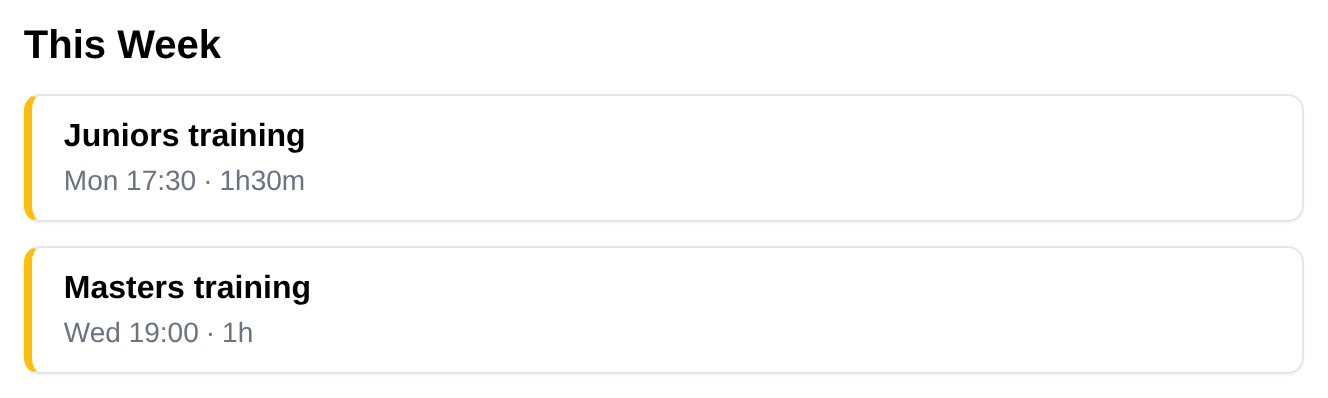
The lists show everything planned in the organisation, whichever teams and users it belongs to. Choose an event to open it. Choose a timetable slot to create the event for it, as in the calendar.
Trial students
While the organisation has trial students, Trial Students lists them, the longest on trial first, each with the date the trial started. Check it now and then: a trial that runs for weeks is a good reason to ask whether the student joins.

See also
- Events and the calendar – Plan events from your timetable or by hand, find the ones that need attention and confirm who led them.
- Timetable – Define your weekly trainings once, with their teams and users, and create events from them in the calendar.
- Students – Keep your students' details, teams and contact details, track trial students, record absences and archive students who have left.