Create an organisation
In TeamKit, an organisation is your club, school or group. Its students, teams, timetable and events are visible only to its members. Whoever creates an organisation becomes its owner.
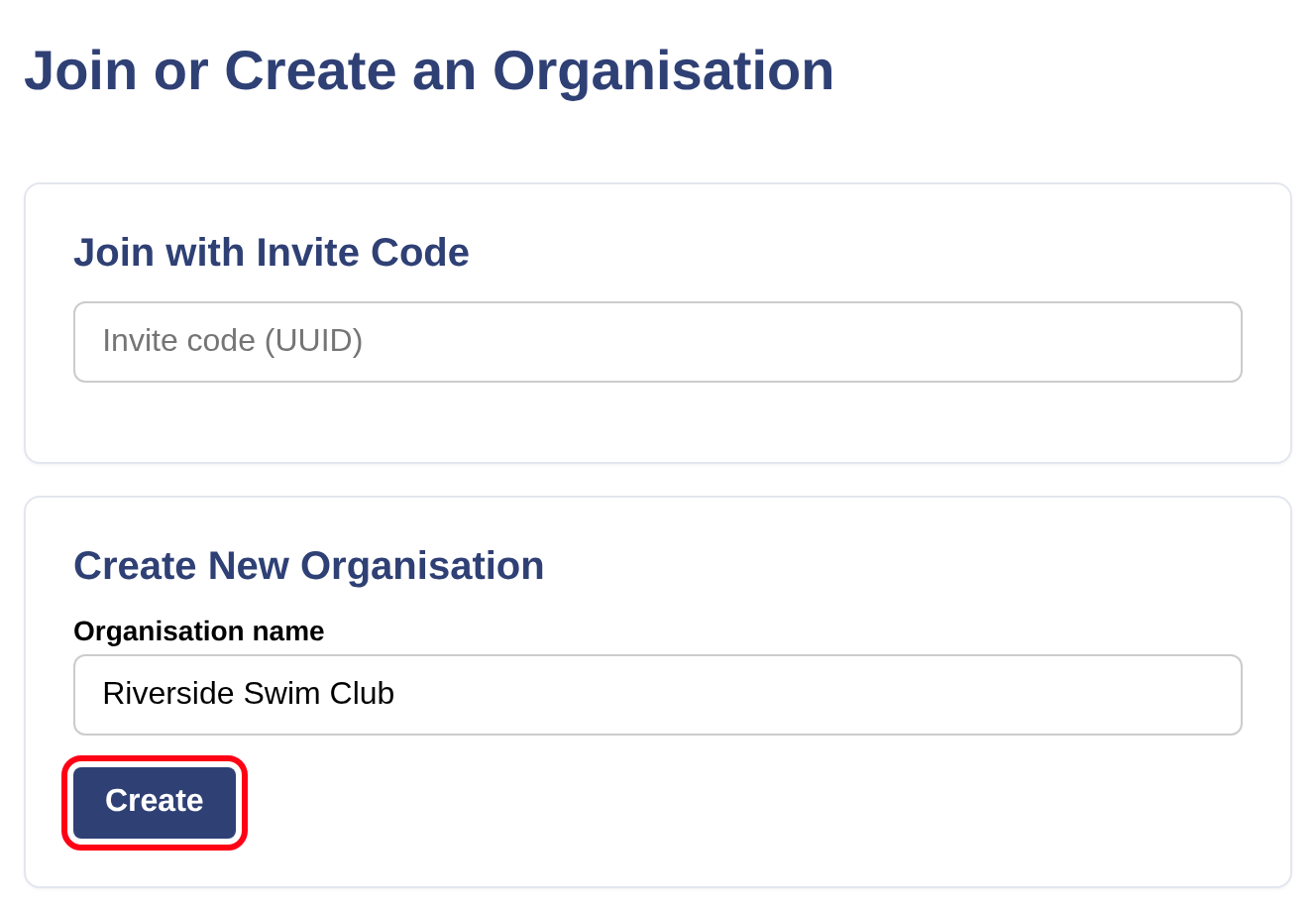
- Open Join or Create an Organisation: right after signing in when you don't belong to an organisation yet, or with the + in the navigation (Add organisation).
- Under Create New Organisation, enter the Organisation name.
- Choose Create.
TeamKit creates the organisation and opens its Dashboard. It is empty for now: set up your teams, students and timetable next, then invite the people who work with you.
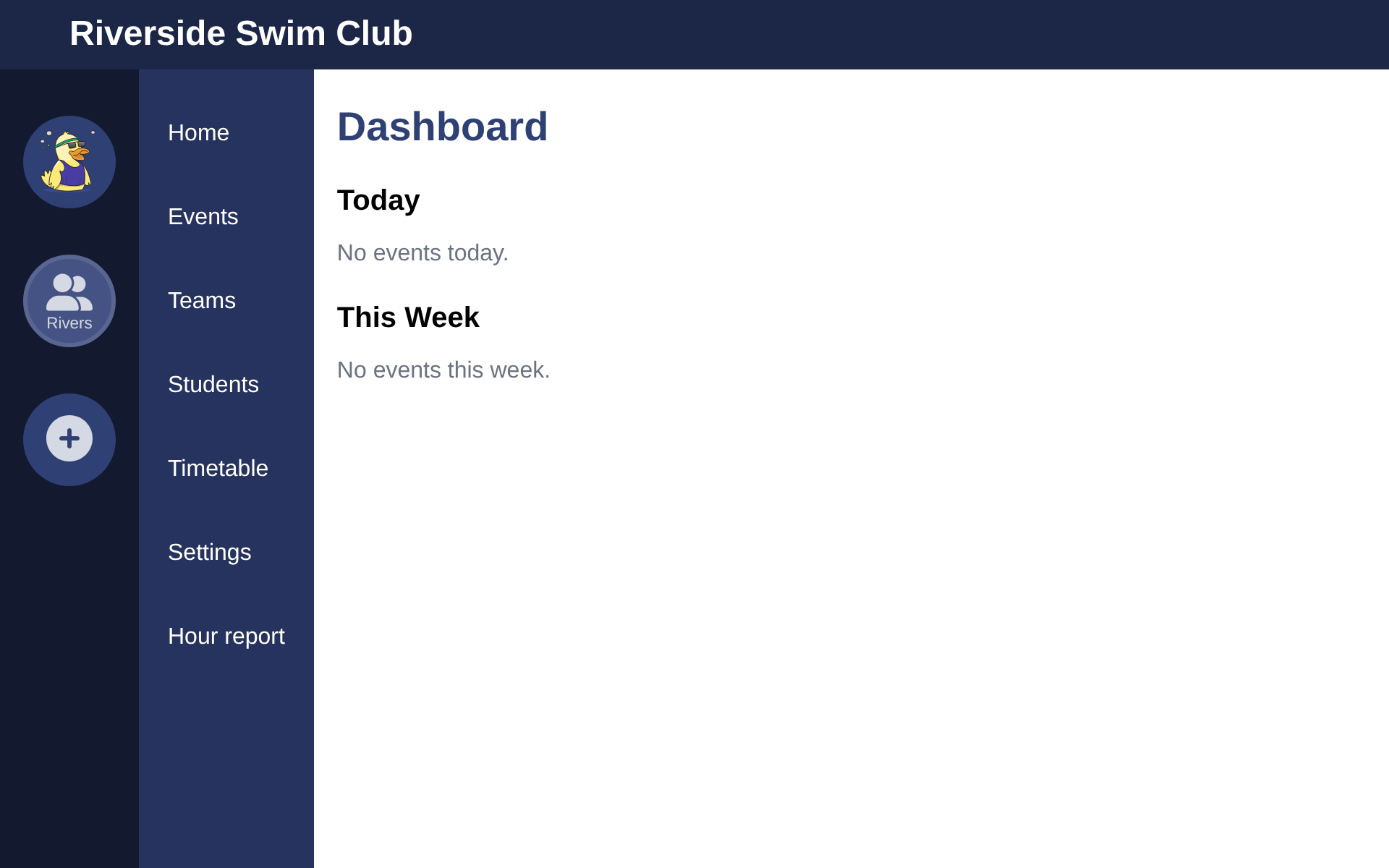
You can belong to any number of organisations. To join an existing one instead, ask one of its members for an invitation and paste the invite code on the same page, under Join with Invite Code.
See also
- Invite members – Share an invitation link so others can join your organisation, and remove members who have left.
- Teams – Group students and users into teams, and nest teams to mirror your club's structure.
- Students – Keep your students' details, teams and contact details, track trial students, record absences and archive students who have left.